
Technoton news & resources
Recent news
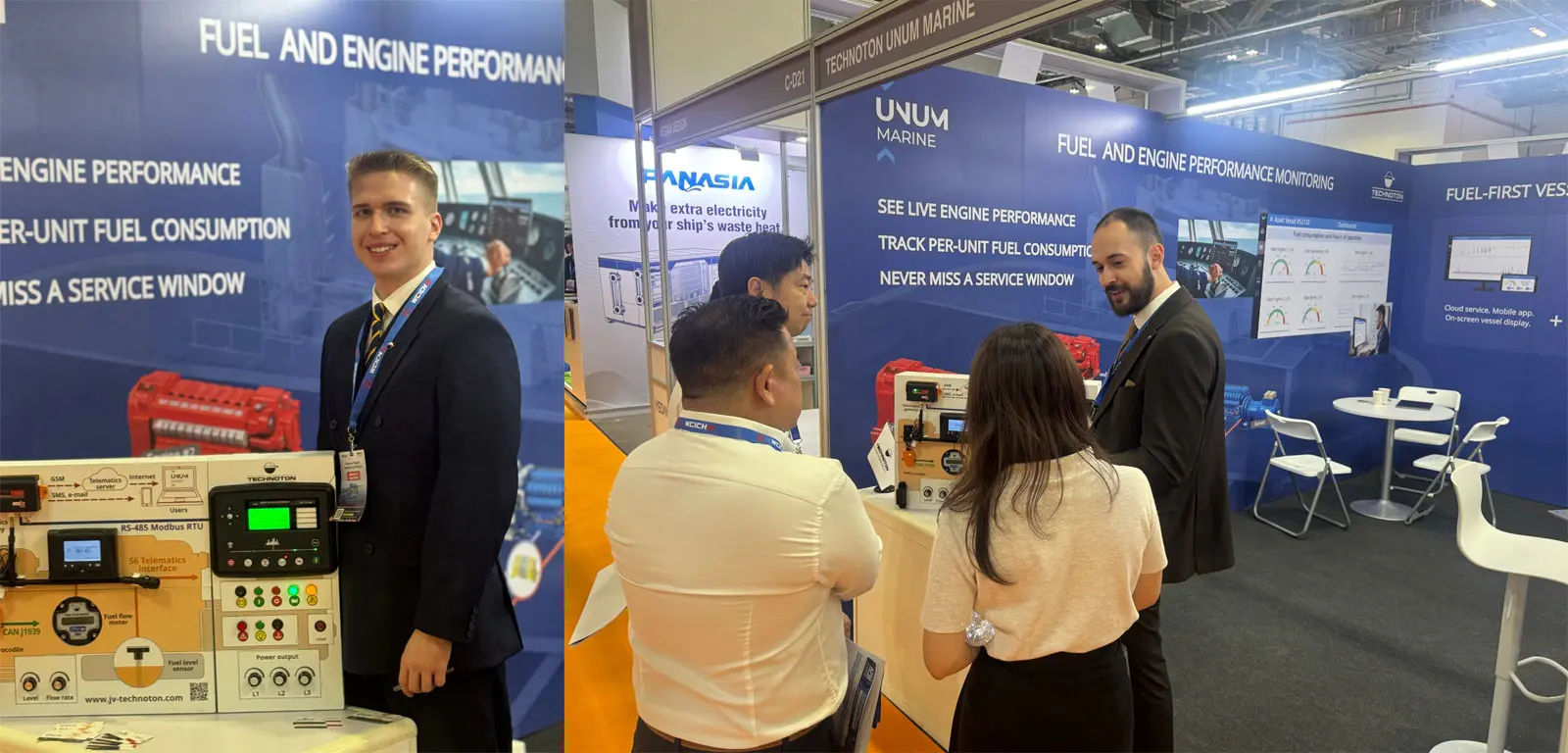
Vessel Telematics at APM 2026: UNUM Marine
We were glad to take part in Asia Pacific Maritime 2026 in Singapore, held on 25–27 March at Marina Bay Sands. At our booth, we presented UNUM Marine, our vessel monitoring solution with fuel flow meters installed on each fuel consumer, to shipowners, operators, system...
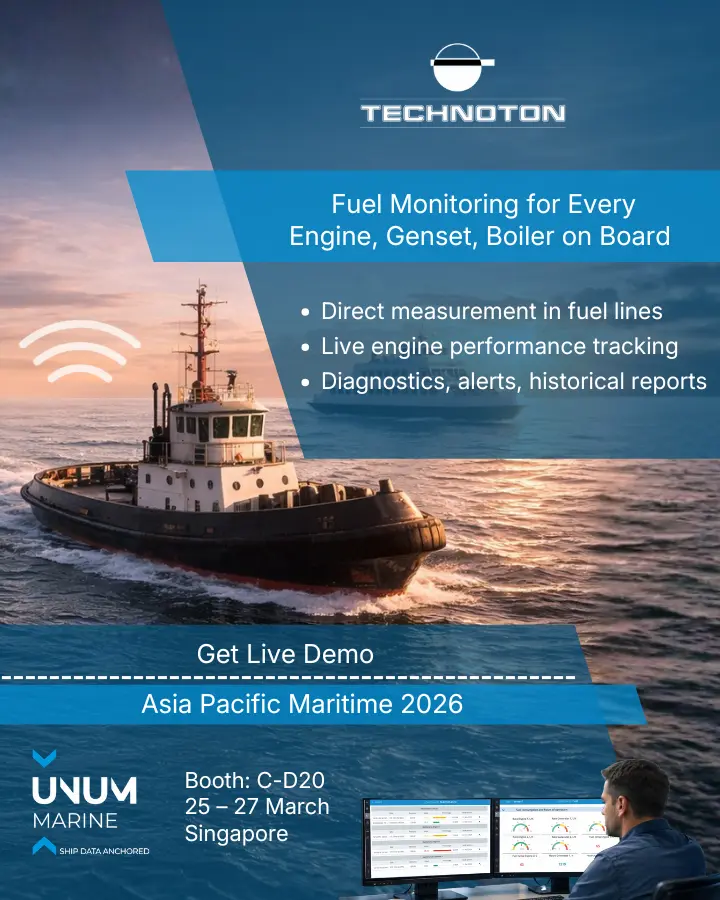
Experience UNUM Marine at Asia Pacific Maritime 2026 – Telematics and Fuel Monitoring for Vessel Fleets
Technoton will participate in Asia Pacific Maritime 2026 in Singapore – one of the leading maritime exhibitions in Southeast Asia. 🚢 Discover Technoton vessel telematics at APM Singapore exhibition We invite you to visit our booth to explore UNUM Marine – a remote monitoring and...
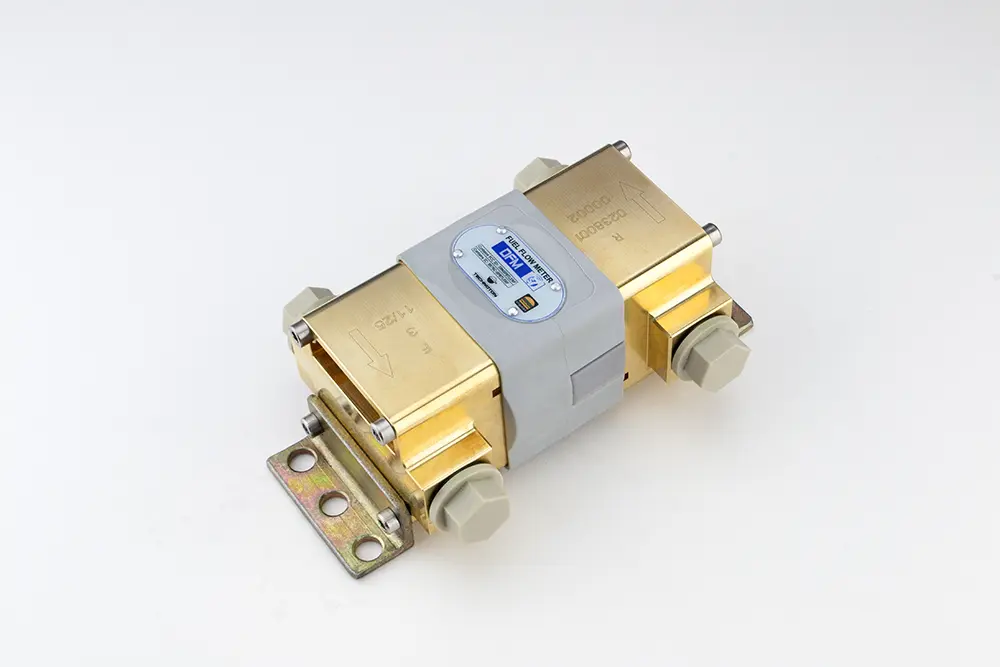
New Differential Fuel Flow Meter for Diesel Engines up to 400 kW
Technoton is expanding its DFM line of differential fuel flow meters. The new DFM 900D is designed for engines with fuel consumption of 100–120 L/h and fills the gap between the DFM 500D and the DFM Marine series. It is the first differential fuel flow...

UNUM IIoT for OEMs: Branded Telematics Without the Development Burden
Telematics has stopped being a “nice extra” and become a market standard. Large manufacturers such as Caterpillar, John Deere, Komatsu, and Volvo have monetized connected machines for years—using operational data to improve engineering decisions, optimize service, and build digital revenue streams. Customers increasingly choose equipment...

UNUM IIoT: delivering SCADA-grade power without SCADA complexity
Industrial equipment monitoring traditionally splits into two paths. On one side are basic monitoring systems that track up to ~30 parameters and can be deployed quickly, but they don’t provide a full operational picture or enable remote control. On the other side are powerful…...
Fuel level sensor

Fuel Flowmeter

Axle load sensor

Telematics gateway
CAN
bus tools

Blog
Vessel Telematics at APM 2026: UNUM Marine
We were glad to take part in Asia Pacific Maritime 2026 in Singapore, held on 25–27 March at Marina Bay Sands. At our booth, we presented UNUM Marine, our vessel monitoring solution with fuel flow meters installed on each fuel consumer, to shipowners, operators, system...
Experience UNUM Marine at Asia Pacific Maritime 2026 – Telematics and Fuel Monitoring for Vessel Fleets
Technoton will participate in Asia Pacific Maritime 2026 in Singapore – one of the leading maritime exhibitions in Southeast Asia. 🚢 Discover Technoton vessel telematics at APM Singapore exhibition We invite you to visit our booth to explore UNUM Marine – a remote monitoring and...
New Differential Fuel Flow Meter for Diesel Engines up to 400 kW
Technoton is expanding its DFM line of differential fuel flow meters. The new DFM 900D is designed for engines with fuel consumption of 100–120 L/h and fills the gap between the DFM 500D and the DFM Marine series. It is the first differential fuel flow...
UNUM IIoT for OEMs: Branded Telematics Without the Development Burden
Telematics has stopped being a “nice extra” and become a market standard. Large manufacturers such as Caterpillar, John Deere, Komatsu, and Volvo have monetized connected machines for years—using operational data to improve engineering decisions, optimize service, and build digital revenue streams. Customers increasingly choose equipment...
UNUM IIoT: delivering SCADA-grade power without SCADA complexity
Industrial equipment monitoring traditionally splits into two paths. On one side are basic monitoring systems that track up to ~30 parameters and can be deployed quickly, but they don’t provide a full operational picture or enable remote control. On the other side are powerful…...